Tackling the challenges of IT/OT integration: A path to overcoming barriers
IT/OT integration unlocks real value, but companies must overcome cultural gaps, security risks, legacy systems, data interoperability, and implementation complexity.
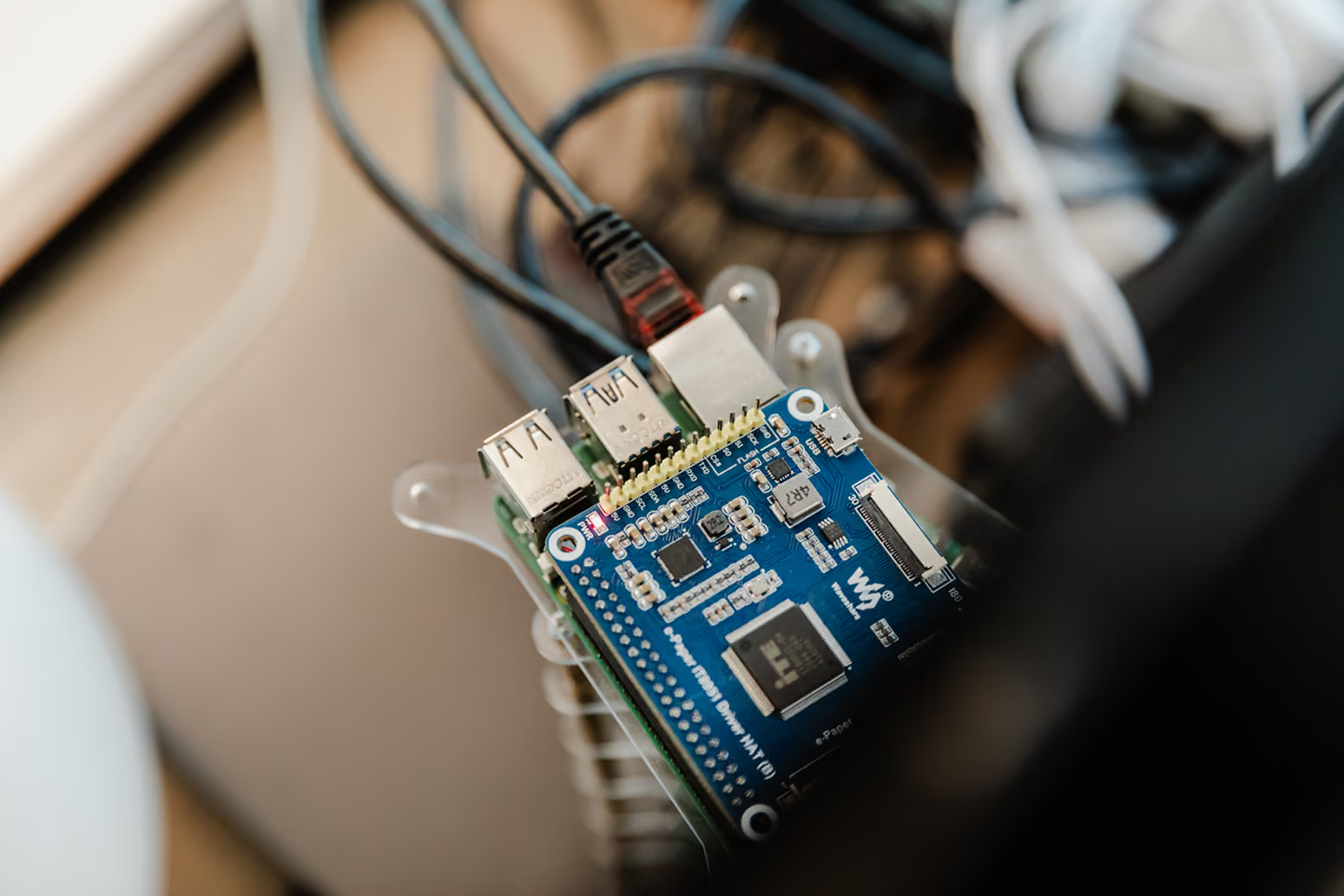

As industries evolve and embrace digital transformation, the integration of Information Technology (IT) and Operational Technology (OT) has emerged as a critical enabler of innovation and efficiency. By merging the data and processes of these two traditionally separate domains, organizations can unlock new levels of operational performance and insight. However, the journey to IT/OT integration is not without its challenges. In this post, we’ll explore the key obstacles that companies face and lay the groundwork for our next discussion on how a Unified Namespace (UNS) can offer solutions to these challenges.
Cultural and Organizational Divide
One of the primary challenges in IT/OT integration is the cultural and organizational divide between IT and OT teams. IT professionals typically focus on digital systems, data management, and cybersecurity, while OT experts prioritize the reliability and safety of physical operations. These differing priorities often lead to conflicting approaches, making collaboration difficult.
Solution: To bridge this divide, organizations need to cultivate a culture of collaboration. Cross-training initiatives, shared projects, and open communication channels can help align the goals of both teams. Leadership plays a crucial role in setting a unified vision that underscores the mutual benefits of IT/OT integration, fostering a cooperative environment.
"The complexity of IT/OT integration often lies in the details."
Security Challenges
Integrating IT and OT systems exposes previously isolated OT environments to the broader IT network, introducing new cybersecurity risks. OT systems, often running on outdated or proprietary technologies, may not be equipped to handle the sophisticated cyber threats that IT systems face.
Solution: Developing a comprehensive cybersecurity strategy is essential. This strategy should include:
- Strong authentication measures
- Regular security updates and patches
- Continuous monitoring across both IT and OT domains
- Network segmentation to limit the exposure of OT systems
- Collaboration with cybersecurity professionals who understand both IT and OT environments
- Implementation of industrial-specific security protocols and standards (e.g., NIS2)
Legacy Systems and Compatibility Issues
OT environments frequently rely on legacy systems that weren’t designed to integrate with modern IT infrastructures. These systems often use proprietary protocols, creating compatibility issues that can complicate integration efforts.
Solution: Addressing legacy system challenges requires a strategic approach:
- Upgrading to more compatible technologies where feasible
- Using middleware or industrial gateways to bridge the gap between IT and OT systems
- Implementing protocol converters to enable communication between different systems
- Conducting pilot projects to identify potential issues in a controlled environment before scaling up the integration
- Developing a long-term modernization plan that balances operational needs with integration goals
Data Management and Interoperability
The integration of IT and OT generates vast amounts of data, but ensuring that this data is consistent, accurate, and interoperable across systems is a significant challenge. Without proper management, the data’s potential value can be lost in translation.
Solution: Implementing a robust data management strategy is crucial:
- Adopt a centralized data management system that harmonizes data from both IT and OT sources
- Implement industry standards for data formats and communication protocols (e.g., OPC UA, MQTT)
- Utilize data lakes or data hubs to store and process large volumes of data
- Employ advanced analytics and AI to extract actionable insights from integrated data
- Implement data governance policies to ensure data quality and consistency across systems
The challenges of IT/OT integration are significant, but they're also opportunities for innovation."
Differing Rates of Technological Change
IT systems evolve rapidly, with frequent updates and innovations, while OT systems are typically slower to change due to the high costs and risks associated with modifying physical processes. This discrepancy can create friction in the integration process.
Solution: A balanced approach is key. IT teams should consider the operational realities of OT environments and avoid pushing for changes that could disrupt critical operations. Conversely, OT teams should remain open to adopting new technologies that improve efficiency and safety. Regular collaboration and planning sessions can help synchronize strategies and timelines between IT and OT.
Complexity in Implementation
The complexity of IT/OT integration is another major hurdle. The process involves integrating diverse technologies, systems, and stakeholders, which can lead to project delays, cost overruns, and technical challenges.
Solution: Effective planning and project management are essential for successful IT/OT integration:
- Establish clear objectives and a well-defined timeline
- Allocate appropriate resources, including budget and skilled personnel
- Engage external experts with IT/OT integration experience to provide valuable guidance
- Adopt agile methodologies to offer the flexibility needed to adapt to challenges as they arise
- Implement a phased approach, starting with smaller, manageable projects before scaling up
"One of the biggest challenges in IT/OT integration is dealing with legacy systems."
Looking Ahead: The Role of Unified Namespace
While these challenges are significant, they are not insurmountable. In our next post, we’ll delve into how a Unified Namespace (UNS) can serve as a powerful solution to many of these issues. A UNS can provide a single source of truth for data across IT and OT systems, streamlining integration, enhancing data management, and improving interoperability.
The journey to IT/OT integration is complex, but with the right strategies and tools, organizations can achieve seamless convergence, driving operational excellence and sustainable competitive advantage. At Mayker, we specialize in guiding companies through this transformation, leveraging our expertise in both IT and OT domains to create tailored solutions that address these challenges head-on.
Stay tuned for our next post, where we'll explore how the Unified Namespace approach can transform the IT/OT integration landscape, turning challenges into opportunities for innovation and growth.
Get in touch with our experts
Alejandro Simó
Alejandro Simó is a results-driven digital manufacturing consultant and systems integrator with expertise in IIoT. Currently at Mayker, he specializes in bridging OT and IT to bring factory floors into the digital world. Passionate about developing and implementing process improvements through automation and data science to realize the factory of the future.
Practical lessons from manufacturing sites: when standalone Node-RED is enough and when you need FlowFuse

Many factories start with Node-RED and do great. One use case, one engineer, one site — it just works. Then a year passes. A second site gets added. A third engineer joins the team. A compliance audit lands on the desk. And suddenly, things get messy.
At Mayker, we work with both every day. We're not selling either product, we're integrators who need to make it work on the factory floor. After dozens of implementations, we've developed a clear sense of when standalone Node-RED is enough, and when FlowFuse becomes the better choice.
This is what we've learned.
What does Node-RED actually do?
Node-RED is an open-source integration tool. Visual, low-code and event-driven. You connect blocks: if this, then that.
But "if this, then that" can be surprisingly powerful. Take a sensor counting products on a production line. On its own, that's just a number. But calculate the time between products, and suddenly you're detecting micro-stops. Add a threshold, and you're flagging anomalies before anyone notices. Combine it with operator data, and you know who was on shift when something went wrong.
That's what Node-RED does: it takes raw data from machines and sensors, enriches it with context, and turns it into something useful. From "a product passed" to "the line stopped for 5 seconds during operator X's shift."
It's free, flexible, and great for prototyping. For a single use case or proof of concept, it's excellent.
What is FlowFuse and how does it relate to Node-RED?
FlowFuse is built by the initial core team behind Node-RED, but designed for production environments. Same Node-RED engine underneath, but wrapped in everything you need when you're no longer prototyping:
- Version control: see who changed what, when, and roll back if needed
- Role-based access: operator X can view dashboards, engineer Y can edit flows, manager Z approves deployments
- Central management: one overview of all your instances across sites
- Audit trails: essential for NIS2 and other compliance requirements
- Fleet deployment: update dozens of instances at once instead of one by one
Think of it this way: Node-RED is the engine. FlowFuse is the garage, the maintenance schedule, and the fleet manager, all in one.
Node-RED and FlowFuse in practice: four use cases
We've implemented both tools across different customers and situations. Sometimes FlowFuse was the obvious choice, sometimes standalone Node-RED still does the job.
Detecting micro-stops with FlowFuse across 7 sites
A food producer wanted better visibility into their packaging lines. Sensors were already counting products, but the raw numbers didn't tell them much.
We designed a standardized flow that calculates the time between products passing. If that gap exceeds a threshold, it's flagged as a micro-stop. We enrich each anomaly with timestamp, production batch, and operator on shift, turning a simple count into an actionable insight.
This now runs across 7 sites worldwide: Belgium, Thailand, the US, and more. Same code, developed once, deployed centrally. When we improve the logic, it rolls out everywhere. With standalone Node-RED on each site, we'd be managing 7 separate versions with no guarantee they're in sync. FlowFuse made central deployment and version control possible.
Multi-site harvest workflow with FlowFuse
Harvest season at a vegetable processor means two months of trucks arriving non-stop. Farmers want to dump their load and get back to the field, fast.
We built an operator app on the weighbridge. The farmer enters their ID, the system captures weight and license plate automatically, and assigns a silo based on product type and available capacity. What used to be chaos — trucks waiting, wrong silos, lost paperwork — became a structured flow.
This app runs on three sites. Updating one means updating all three. With standalone Node-RED, that's three manual interventions and three chances for version drift. With FlowFuse, we deploy once and push to all locations. We see at a glance that all three run identical code and when harvest season ends, we know exactly what version ran where.
Energy monitoring across sites with FlowFuse
A vegetable processor operates two freezer warehouses, each with its own energy bill but no way to compare consumption patterns or spot inefficiencies across sites.
We stream energy data from both locations to a central FlowFuse instance in the cloud, where it's aggregated and visualised. The insight that emerged: running freezers at -13°C costs nearly twice as much as -12°C. For most products, that one degree doesn't affect quality but it cuts the energy bill significantly.
You could run a standalone Node-RED instance in the cloud for this. But then you're back to manual management: no central overview of what's running where, version control or SSO. FlowFuse gives us a managed environment where cloud instances and edge devices are visible and controllable from one dashboard.
ERP-to-machine integration with Node-RED
At one food processor, Node-RED handles the translation between ERP and machines. Purchase orders come in, get translated into production instructions, and the line runs.
They're not using FlowFuse here. Why? They have a dedicated IT/OT person who manages all instances. One person, full overview, no handovers.
It works but it's fragile. That knowledge sits in one head. When that person is on holiday, nobody touches the system. When they leave, there's a problem. We see this pattern often: Node-RED works fine until it doesn't, and by then migration becomes urgent rather than planned.
Signs your Node-RED setup is reaching its limits
Over time, we've noticed a few recurring situations that push teams towards FlowFuse:
"Who changed this?" At one customer, this question comes up every single day. Someone modified something, something stopped working, and there's no trace. In standalone Node-RED, there's no version control, no audit trail, no way to look back three months and see what happened. With FlowFuse, every change is logged: who, what, when.
Overwriting each other's work Multiple people working on the same flows. Someone deploys, someone else was also editing. Work gone. In Node-RED, you can't even see that someone else is online. We've seen this happen daily at manufacturing clients. With FlowFuse, you see each other's cursors in real-time, and deployments require approval.
Manual updates across sites One building materials company ran Node-RED on over 100 sites worldwide. Every software change had to be executed manually — a hundred times. That's not scalable. With FlowFuse, you deploy to development, test, approve, and roll out to all production instances in one action.
Access through jumpservers and RDP Excuse us for going a little technical here. At one customer, engineers needed a jumpserver and RDP session before they could even reach their Node-RED instances. Key users couldn't access anything without IT support. FlowFuse offers SSO integration and browser-based access — the right people get to the right instances directly.
We've seen this go wrong firsthand. At one customer, two sites were running different Node-RED flow versions for months, different alarm thresholds and nobody was aware. It caused significant inconsistency in quality comparisons across plants. The kind of problem that's invisible until it does real damage.
Node-RED vs FlowFuse: when to choose what
Our rule of thumb:
- One instance, one person, one goal? Standalone Node-RED is fine.
- Multiple people, multiple sites, or compliance requirements? FlowFuse saves you time and frustration.
- Not sure how many instances you'll have in a year? Start with Node-RED, but standardise from day one with consistent naming conventions, units and topic structures. That makes a future migration to FlowFuse straightforward rather than a rebuild.
See it yourself
In our demo factory in Ghent, FlowFuse runs on 20+ instances. If you want to see what this looks like when it's actually running, you're welcome to pay us a visit.
Let us know!
From the shop floor, into practice.



Energy management with Etex
Etex used data analysis to cut energy waste at its plasterboard plants, uncovering excess consumption after every production downtime.
Standalone Node-RED or managed with FlowFuse? What we learned at our customers
When is standalone Node-RED enough, and when does FlowFuse make sense? Practical lessons from manufacturing sites.

How PSS built a digital manufacturing culture with a custom Mendix MES
How do you build a digital culture that operators actually embrace and keep using? Premium Sound Solutions produces 120 million speakers a year across six global plants for automotive and consumer goods where traceability and quality are non-negotiable.